Report out
The last stage is turning everything you've gathered into artifacts other people can use: AI-written memos for stakeholders, data exports for auditors, and a dollar-quantified view of vendor risk pushed into your enterprise register.
Risk memos
Open Risk Memos and click Generate to have SolveGRC draft a memo. It gathers your vendors, findings, assessments, questionnaire assignments, drift, and acceptances, then writes a board, executive, or vendor-specific memo with numbered citations. Before it saves, it scrubs any citation that doesn't trace back to a real record, so the memo can't cite something that isn't there.
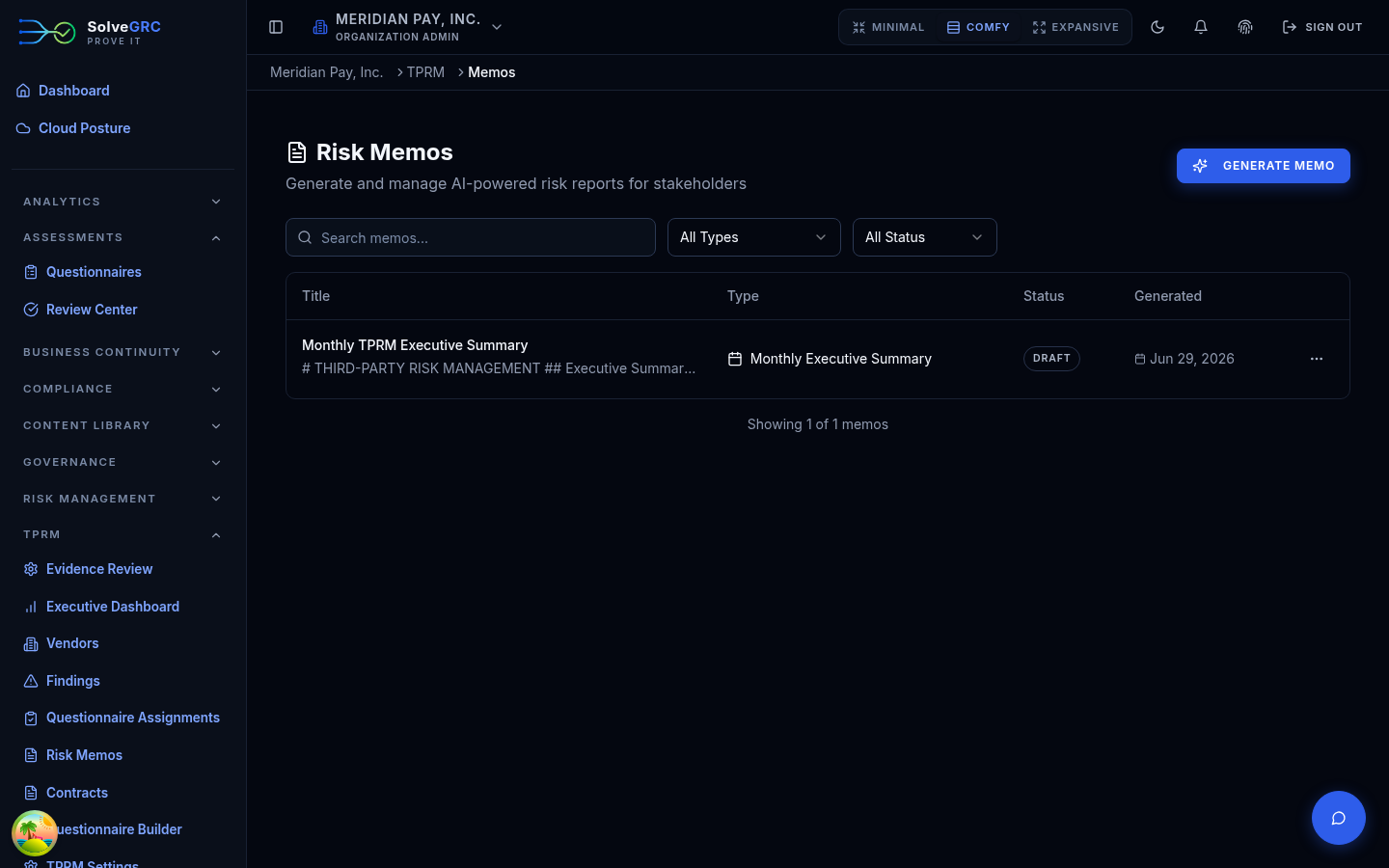
A memo starts as a draft you can edit, moves to review, and can be finalized, which locks it. Finalized memos can be exported to PDF.
Exports for auditors
The Export menu produces downloadable reports. The most useful for an audit are the findings report and risk-acceptances report (both CSV) and the audit package, a structured JSON bundle that includes the tamper-evident vendor audit trail. Reach for these when someone asks you to show your third-party risk work.
Quantify vendor risk in dollars
Beyond escalating individual vendors, SolveGRC can promote your top vendors into the enterprise risk register as dollar-quantified risks. It derives loss inputs from each vendor's residual band and criticality, then runs the same Monte-Carlo engine the rest of the platform uses to produce an expected annual loss per vendor and a portfolio total. This turns "this vendor is high risk" into a number the business can weigh.
Settings
TPRM Settings is where you configure module behavior. The two areas to know are Evidence (retention policies, malware scanning, and notifications) and Benchmarking (whether your organization opts in to anonymized benchmarking).
That's the full vendor lifecycle, from onboarding a third party through to quantified, reportable risk. Start again at the Overview for the map, or jump to any stage from the sidebar.